
Step 1 of 3) Select a web design template
The first step in building your new website is to select a design for your website. You can change your template once you login to the CMS. If you don't find anything you like, please consider using the Vanilla options. Most templates can be customised with your own colours, banners and background images.
-
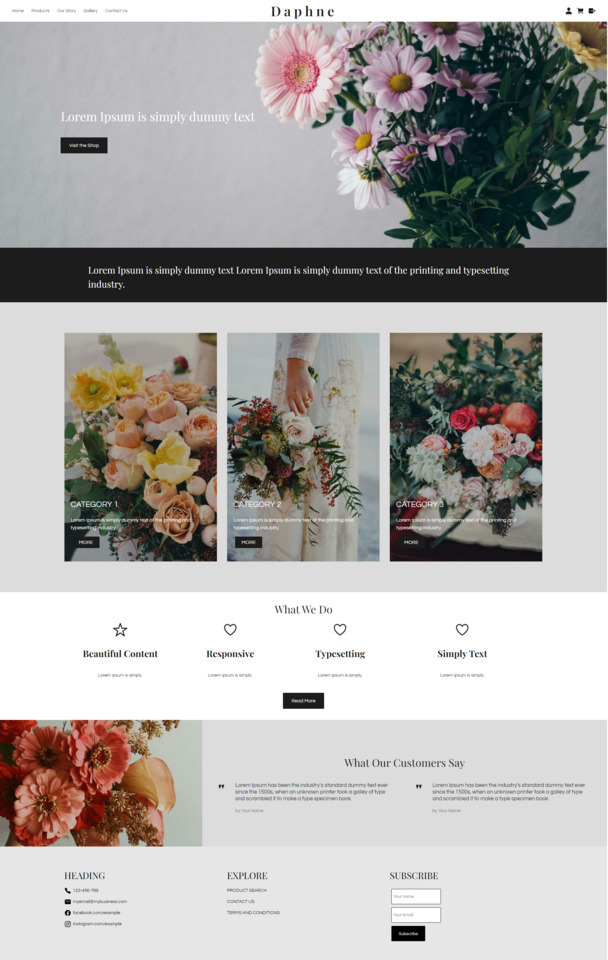 Daphne TemplateID: 133159
 -
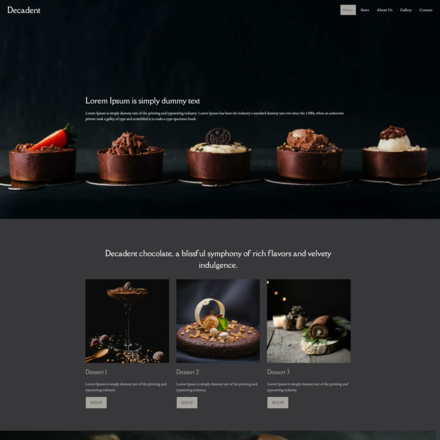 DecadentID: 132623
 -
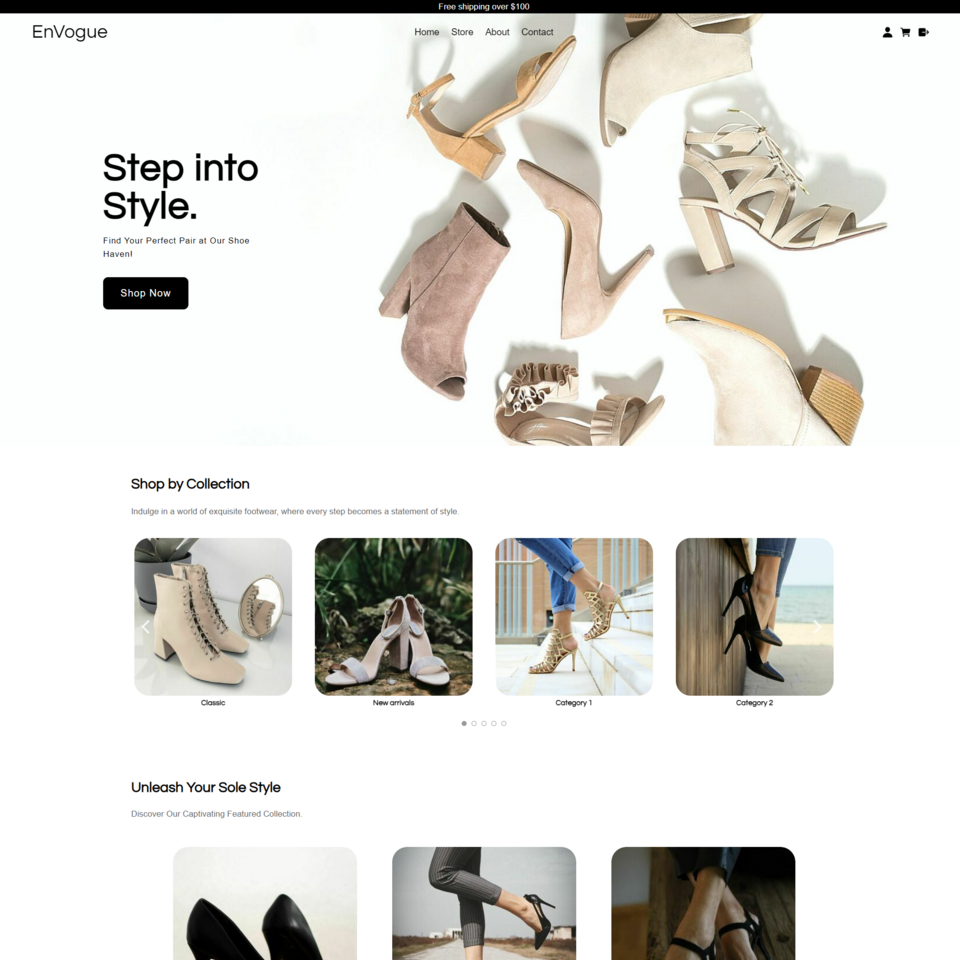 EnVogueID: 132429
 -
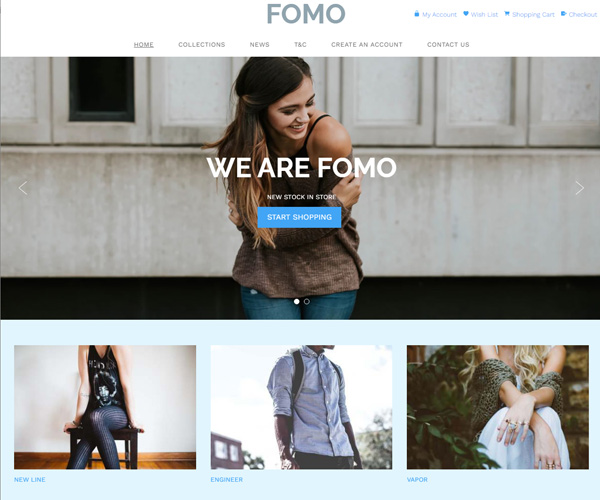 FOMOID: 125791
 -
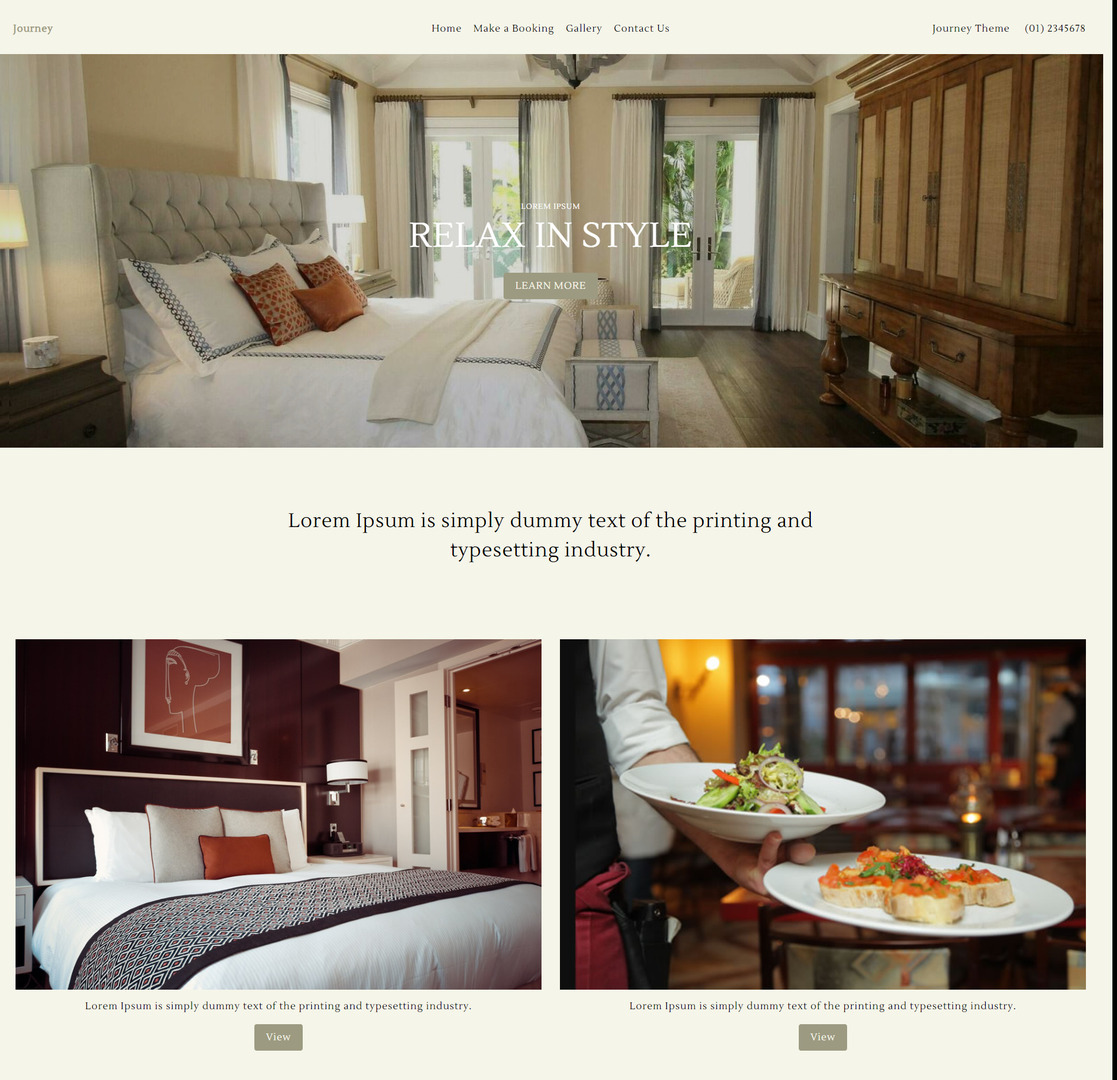 Journey ThemeID: 132374
 -
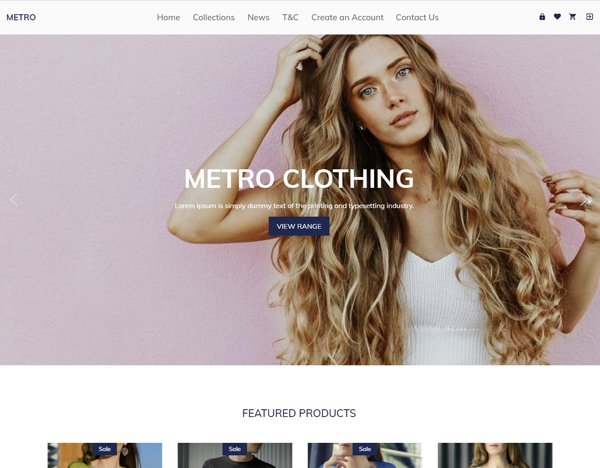 MetroID: 127782
 -
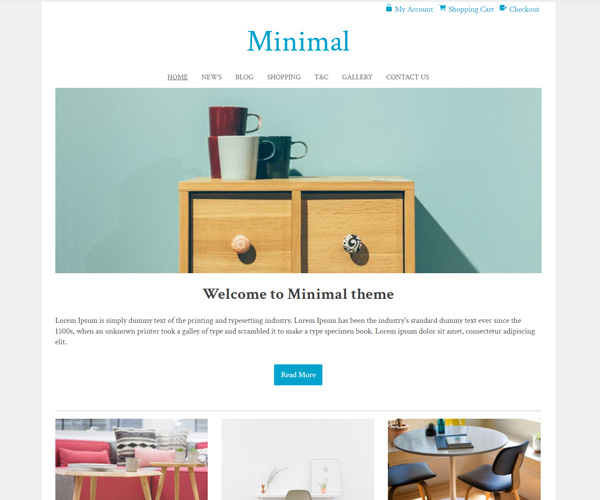 MinimalID: 114657
 -
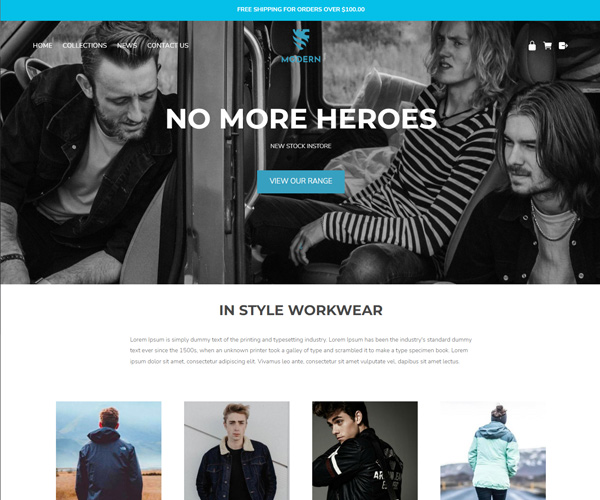 ModernID: 131773
 -
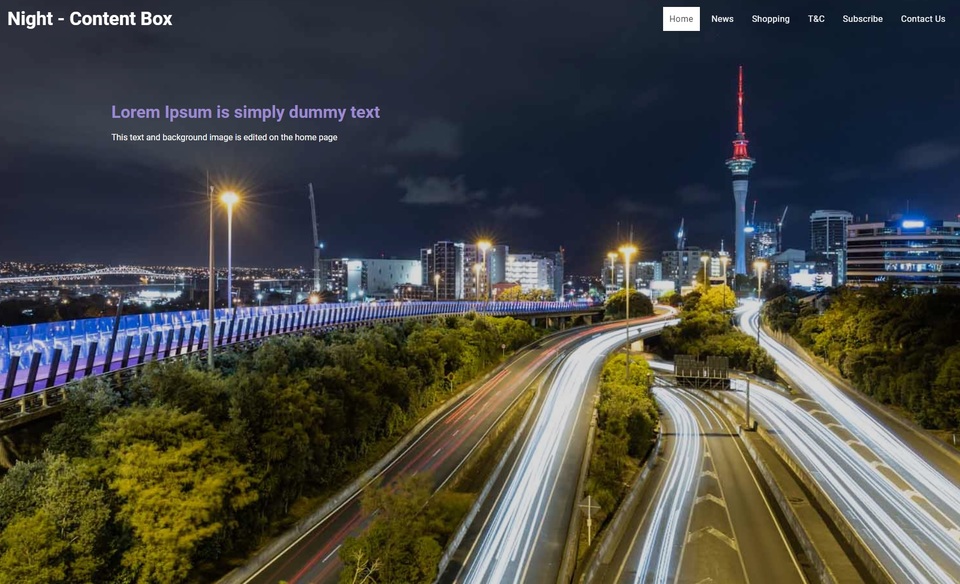 Night - Content BoxID: 126181
 -
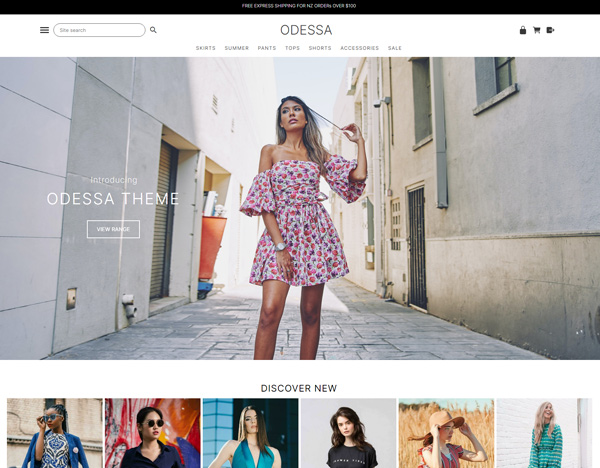 ODESSA THEMEID: 131763
 -
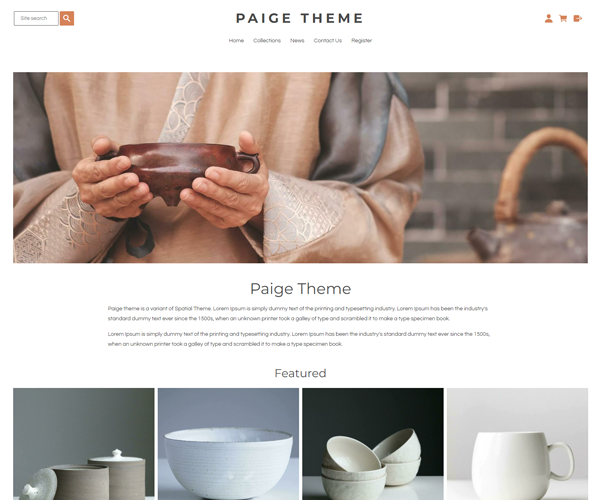 Paige ThemeID: 132236
 -
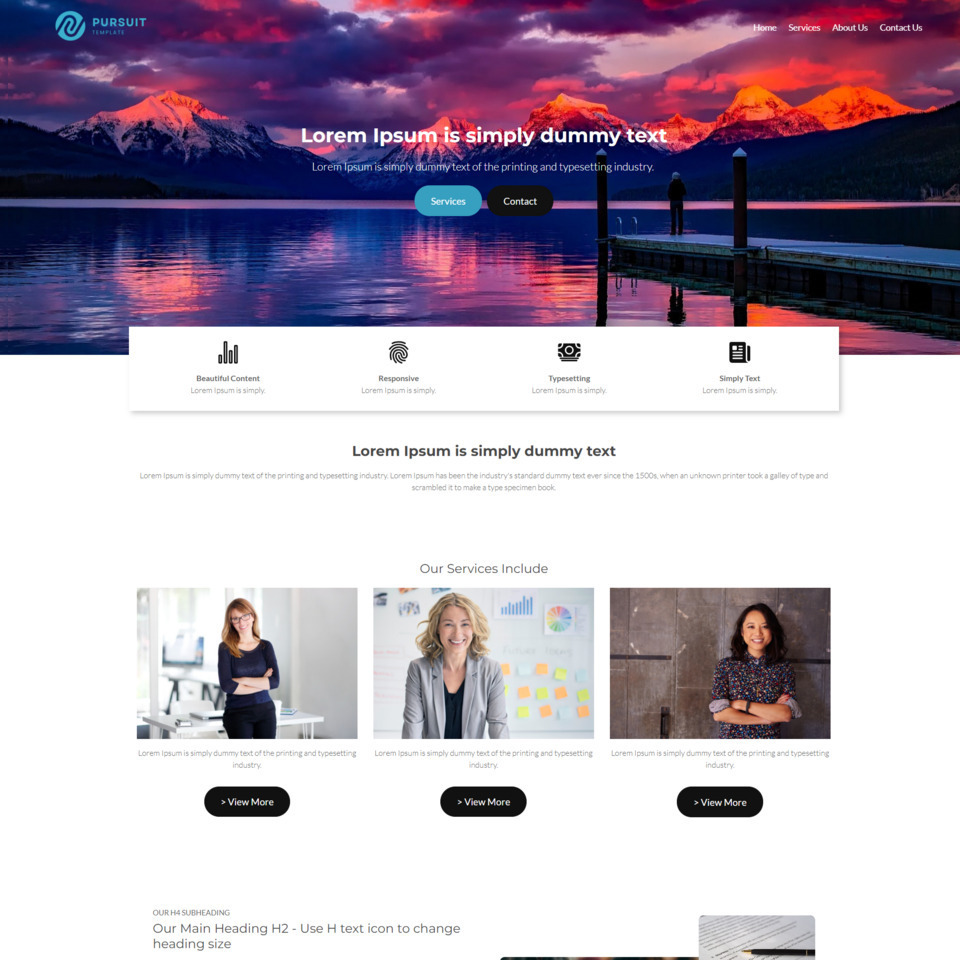 Pursuit Business TemplateID: 132969
 -
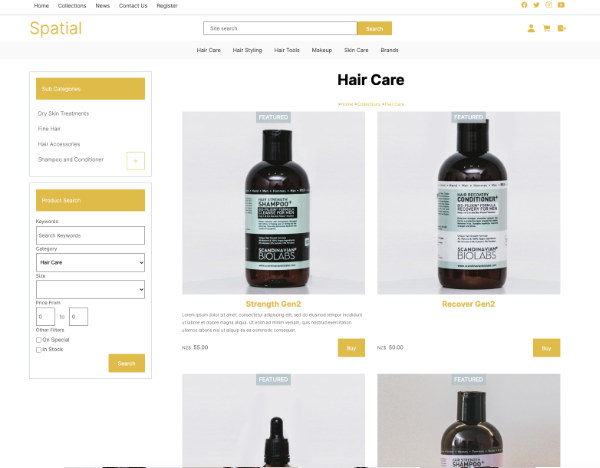 Spatial InventoryID: 132943
 -
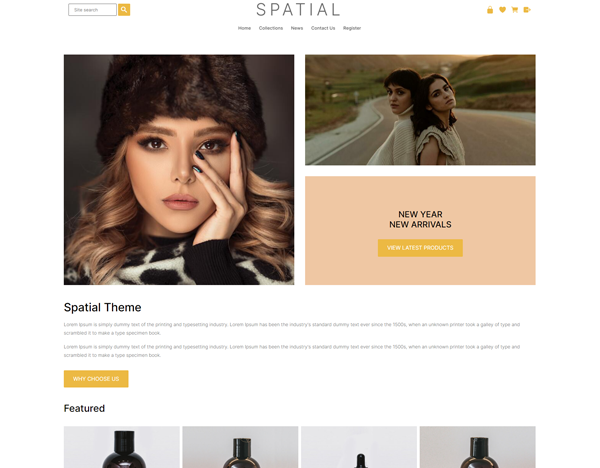 Spatial ThemeID: 131194
 -
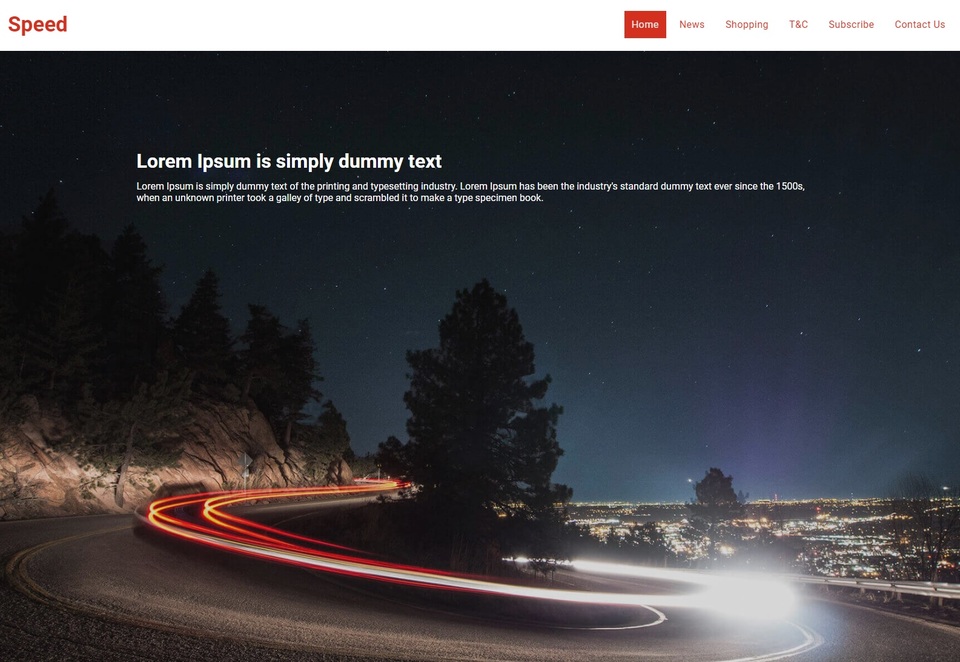 Speed - Content BoxID: 126175
 -
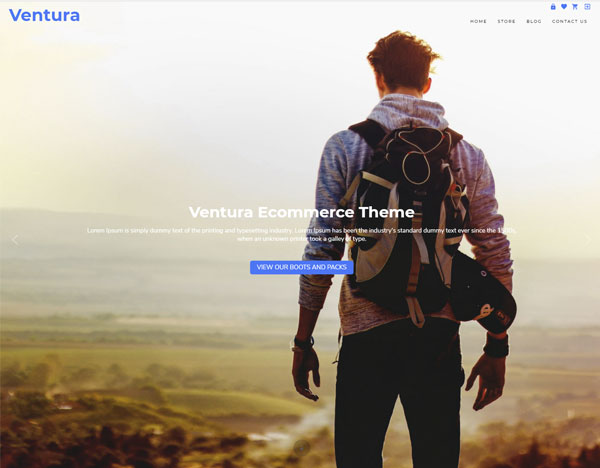 Ventura EcommerceID: 127191
 -
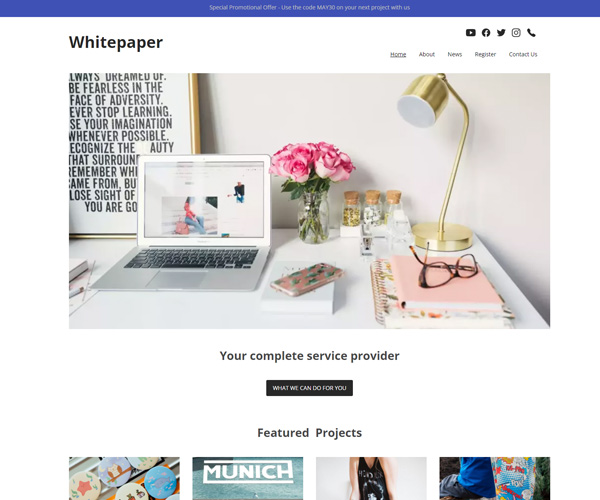 WhitepaperID: 126148
 -
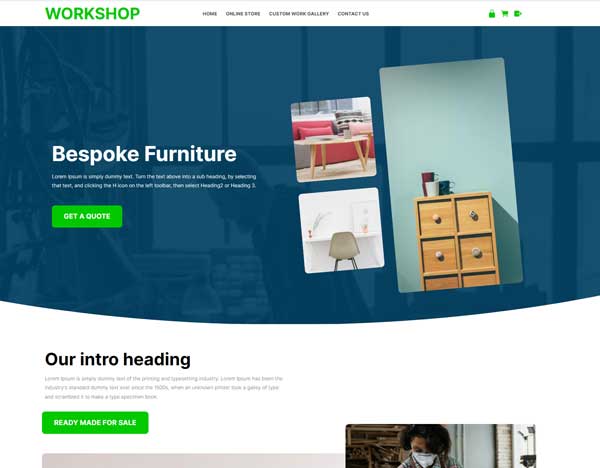 WorkshopID: 131413
 -
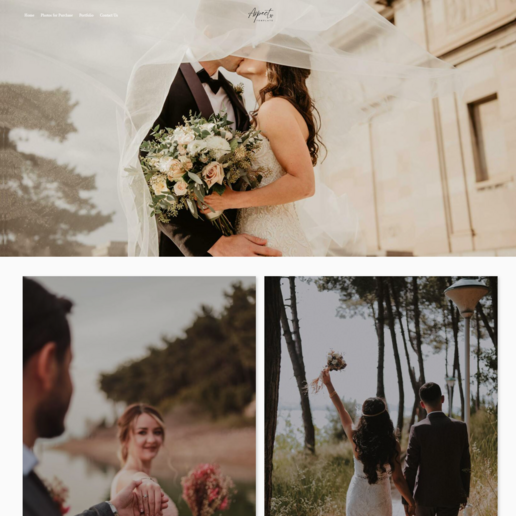 AspectID: 132663
 -
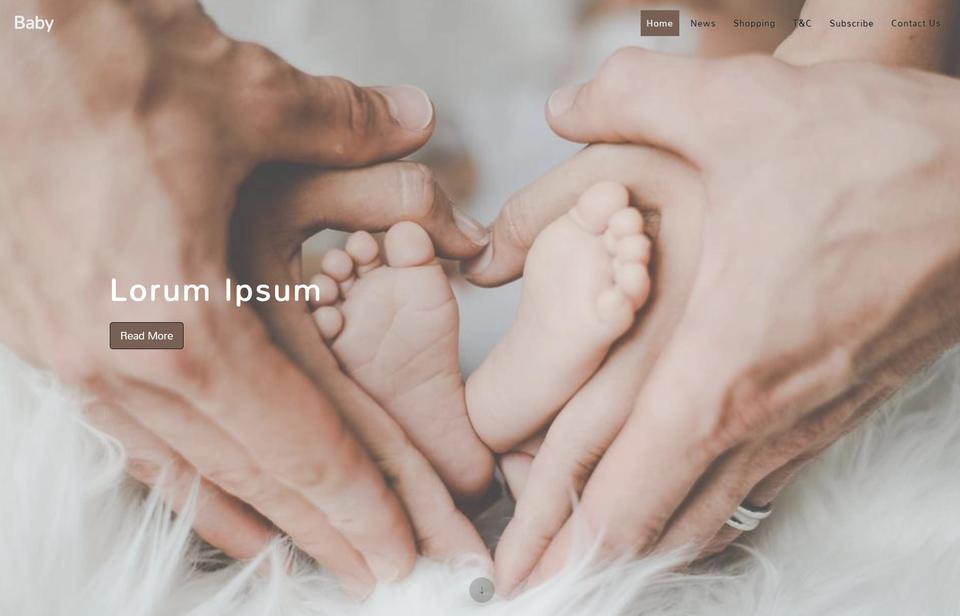 Baby - Content BoxID: 126193
 -
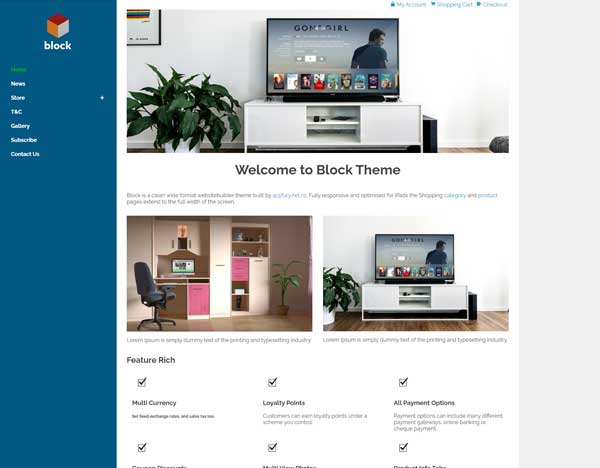 Block EcommerceID: 130563
 -
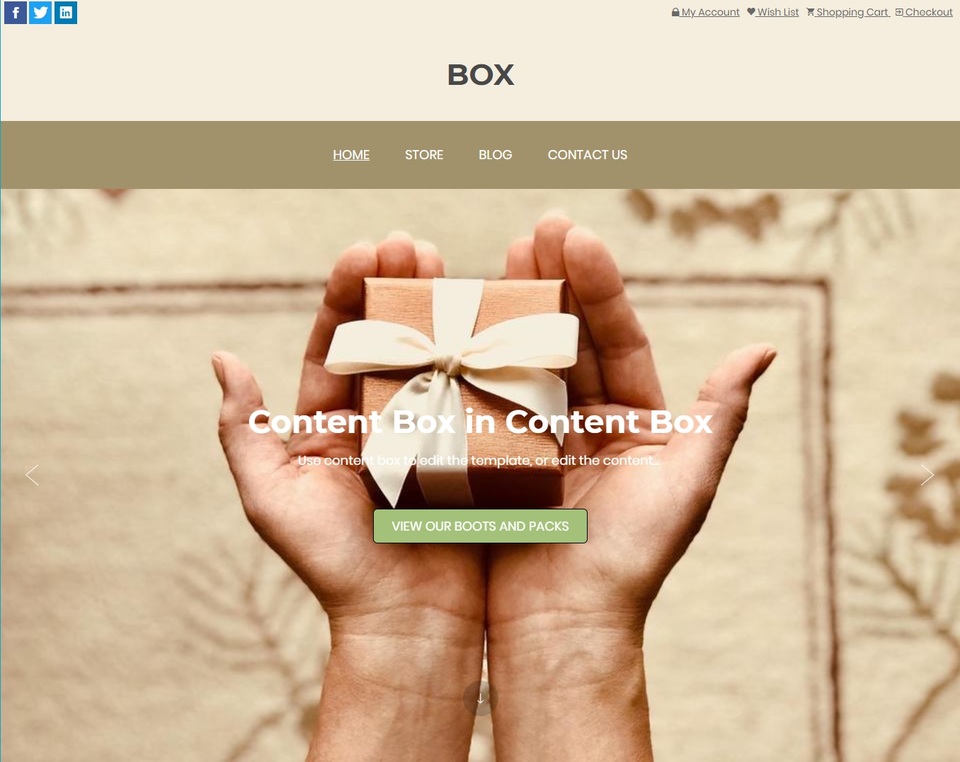 BOX [ContentBox]ID: 123235
 -
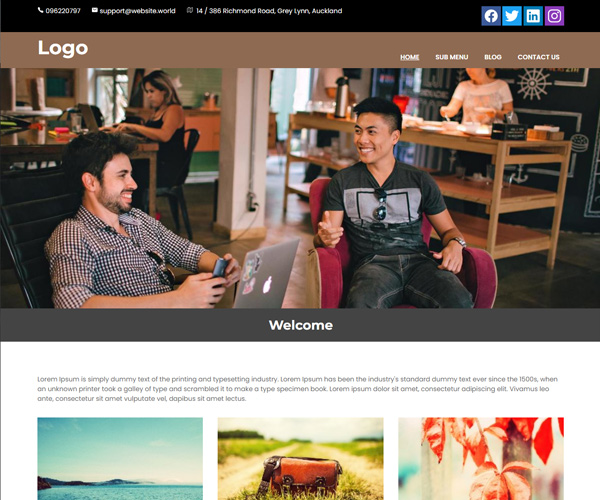 Content Box Service ProviderID: 125787
 -
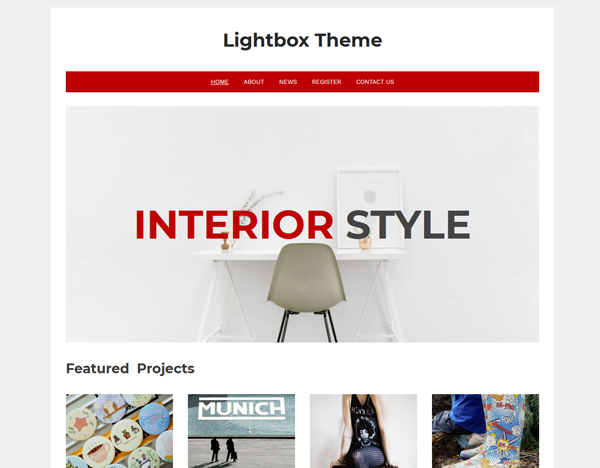 LightboxID: 126805
 -
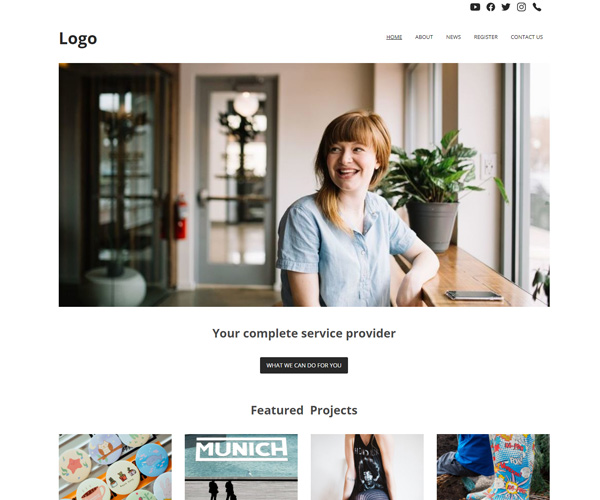 Logo and MenuID: 129790
 -
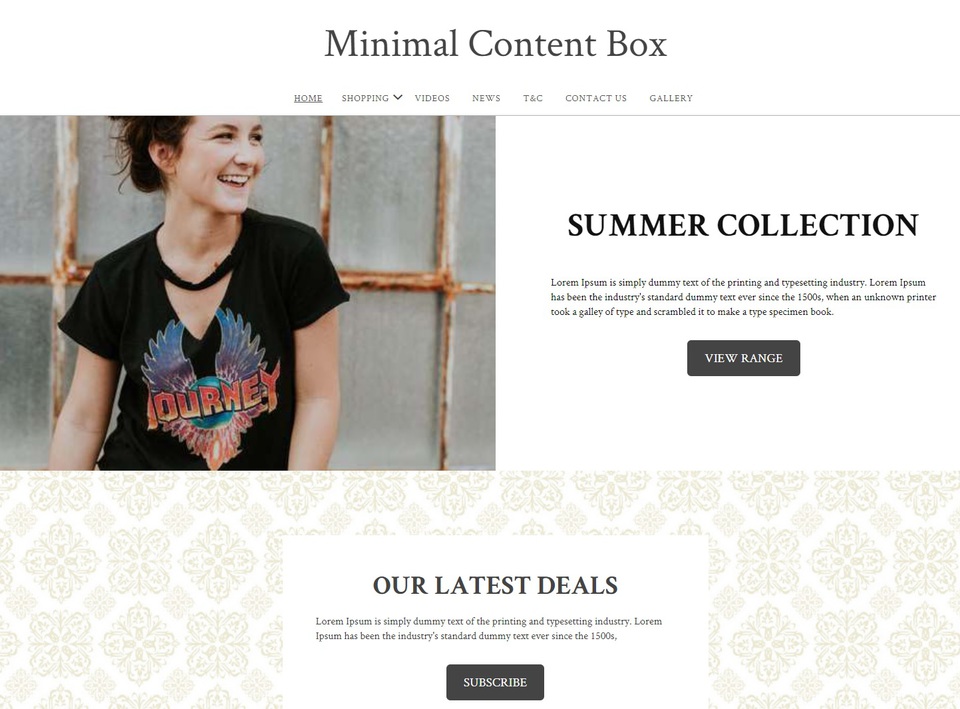 Minimal ContentBox (100% Wide)ID: 125788
 -
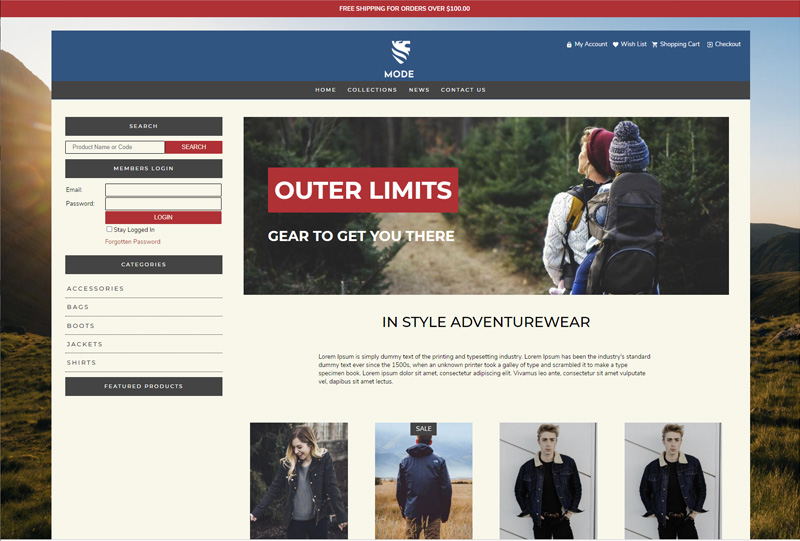 Mode InventoryID: 127284
 -
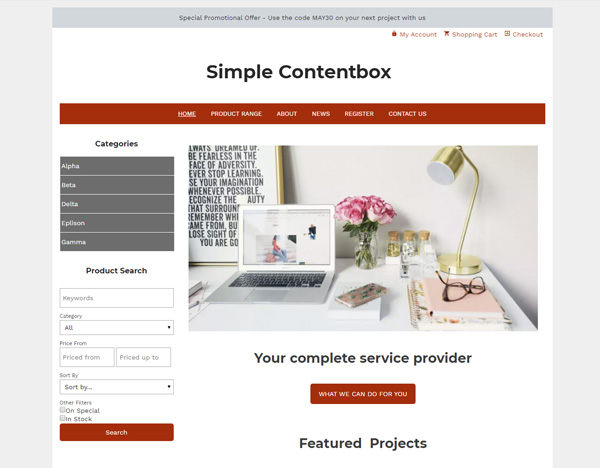 Simple ContentboxID: 126780
 -
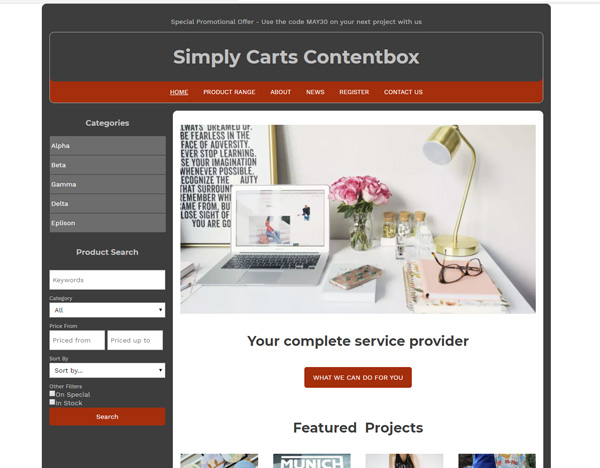 Simply Carts ContentboxID: 126548
 -
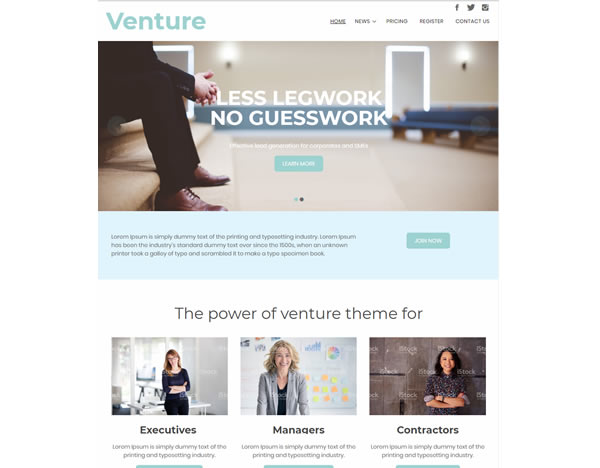 VentureID: 129874
 -
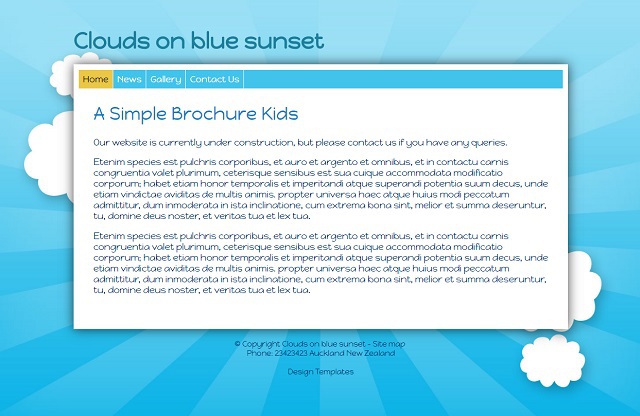 Clouds on blue sunsetID: 99670
 -
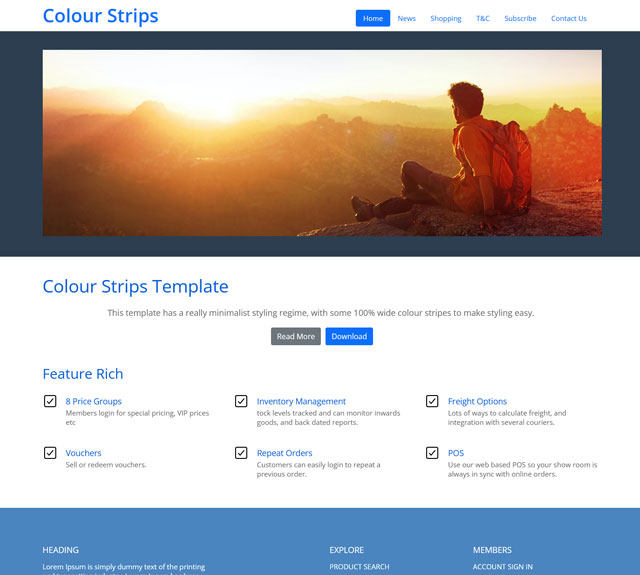 Colour StripsID: 130693
 -
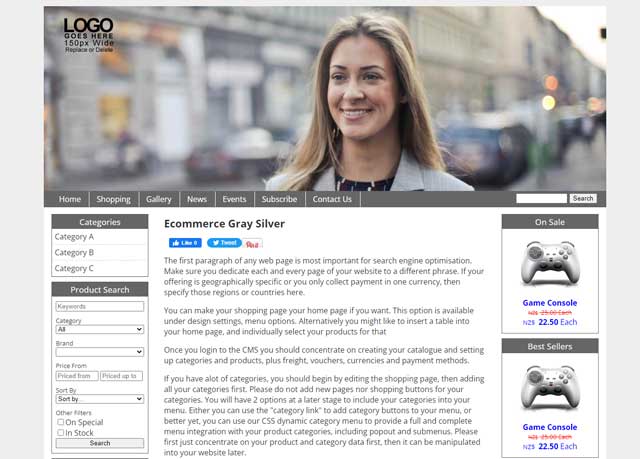 EcomWorldID: 130670
 -
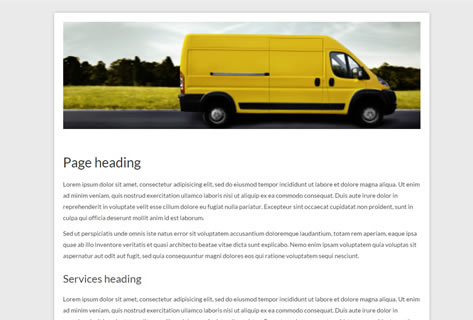 One Page - BannerID: 102089
 -
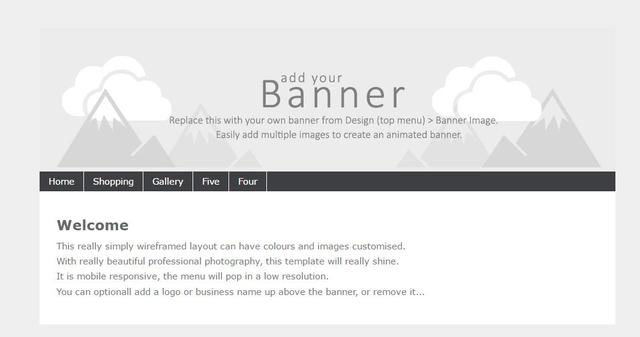 Positional Responsive - Select colours and imagesID: 65264
 -
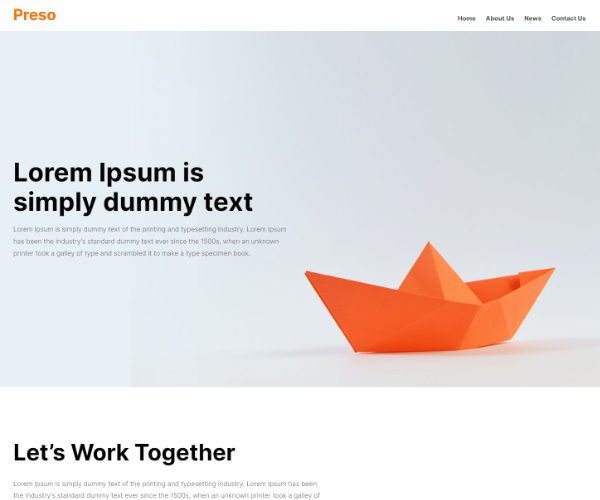 Preso ThemeID: 132311

Didn't find anything you like?
Please choose from another category located above the template chooser - we recommend positional templates. The positional templates allow you to upload your own banners, logos, change background colours and more. Advanced web designers can update their CSS stylesheets and HTML templates. If you want a website design transferred from an existing website or a 3rd party template, then please contact us for a quote to transfer your design, or follow the instructions in our advanced FAQ area.
